
Share designs with clients, not with competitors
The data room purpose-built for architecture firms, interior design studios, and urban planners. Share schematic designs, construction documents, and RFP responses with enterprise-grade security.Set up in under 5 minutes.
No credit card required
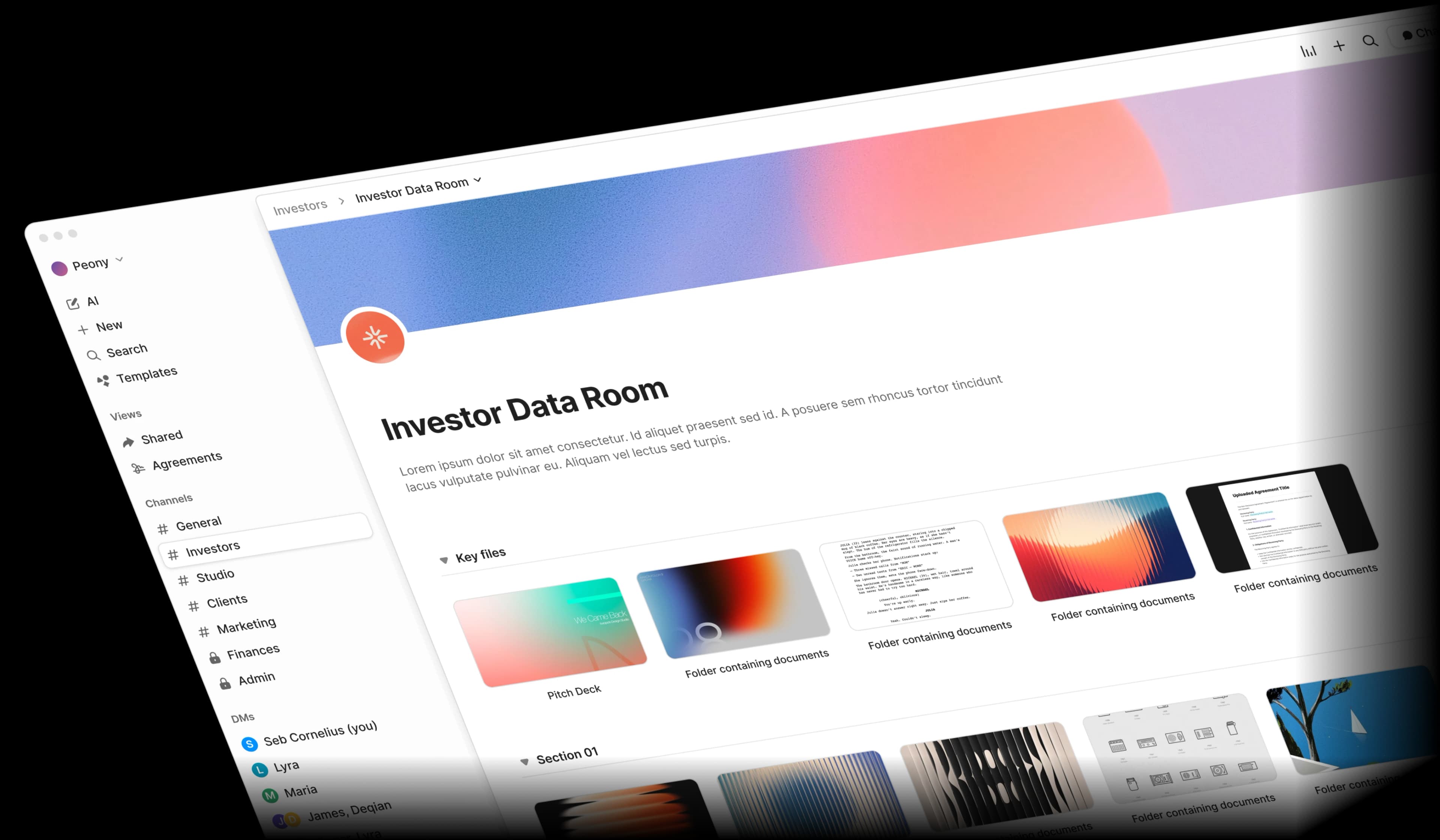
Design document sharing is broken
Between renderings, CAD files, and RFP submissions, architecture firms share sensitive design IP across too many insecure tools. One screenshot of a competition entry can cost you the project.
Design IP theft
Renderings and CAD files shared via email or generic cloud drives get screenshotted and used without attribution. Proprietary design concepts end up in competitor proposals.
RFP exposure risk
RFP responses contain proprietary design approaches, fee structures, and methodology that competitors would love to see. Generic sharing tools offer zero protection.
Multi-discipline chaos
Structural, MEP, and landscape teams each need controlled access per discipline. Managing permissions manually across project phases is error-prone and time-consuming.
Unprofessional delivery
Client presentations deserve polished, branded delivery — not generic Dropbox links. First impressions matter when competing for landmark projects.
Built for how architecture firms actually work
Peony gives you enterprise-grade security, AI-powered document intelligence, and branded client portals — all at a fraction of legacy VDR pricing.
Screenshot protection, watermarks, and NDA gates
Your renderings and design concepts deserve more than a password. Peony blocks screenshots of architectural drawings, stamps every page with dynamic watermarks, and requires NDA signatures before competition juries or developers can view sensitive designs.
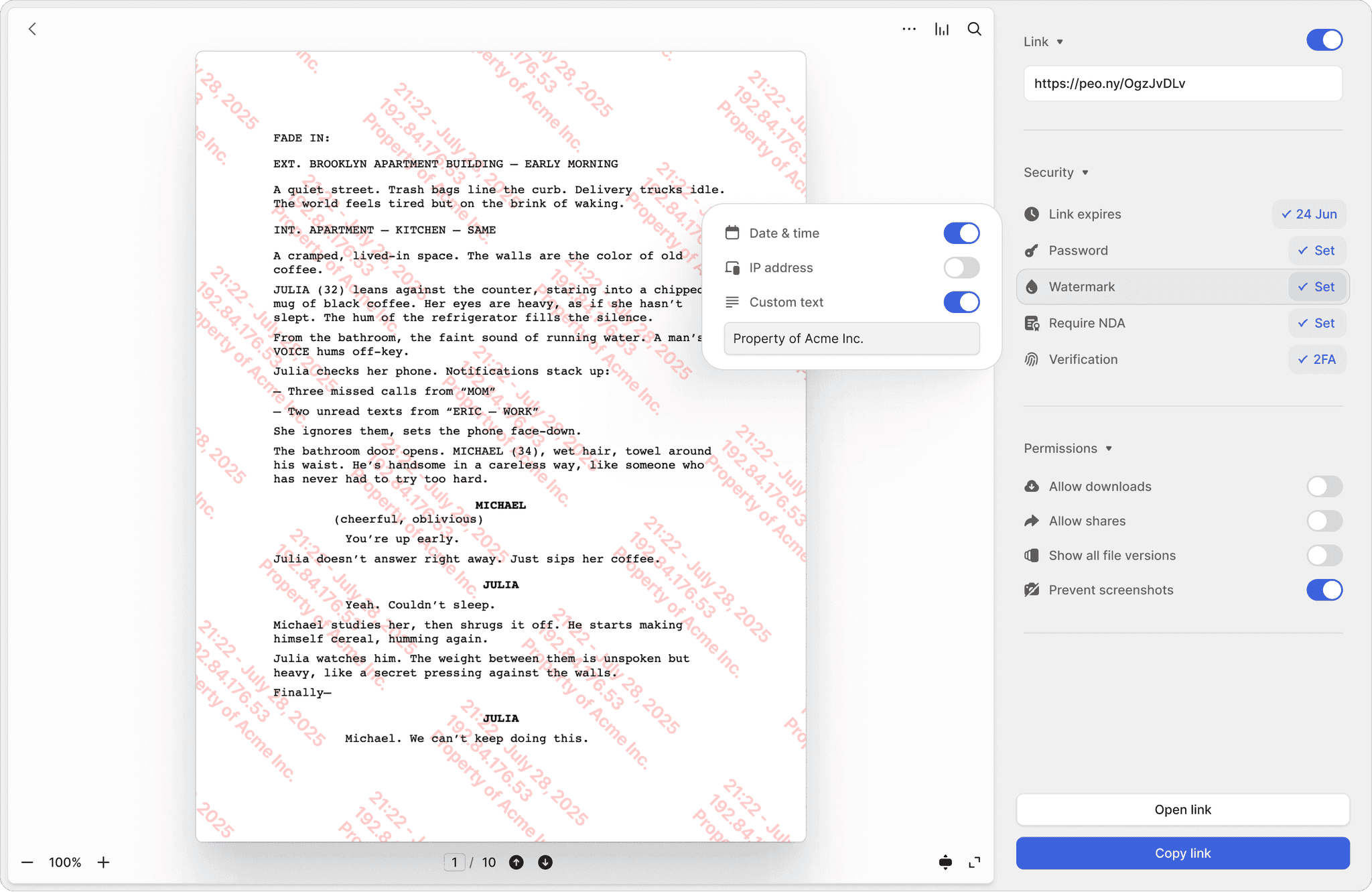
Screenshot protection
Block screen captures of renderings, schematic designs, and design development packages. Prevent unauthorized duplication of your most valuable creative work.
Dynamic watermarks
Every page of your architectural drawings and BIM models stamped with the viewer's identity and timestamp. If a document leaks, you know exactly who shared it.
NDA-gated access
Require competition juries, developers, and contractors to sign an NDA before viewing design concepts or construction documents. Fully integrated e-signatures included.
Discipline-specific access and branded client portals
Give structural engineers access to structural documents, MEP consultants to mechanical specs, and landscape architects to site plans — all from one data room. Branded portals match your firm's identity for polished client delivery.
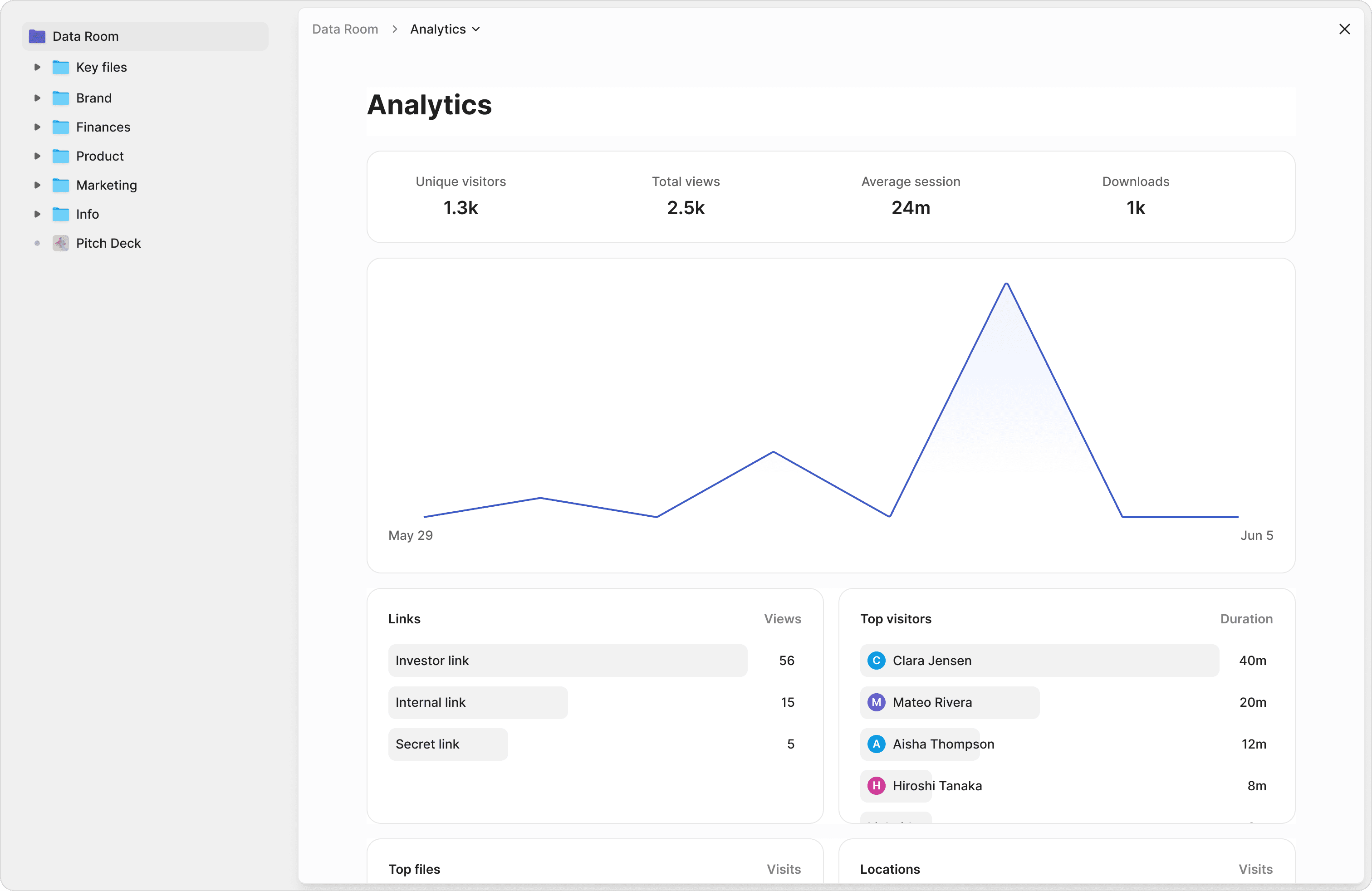
Per-discipline access tracks
Separate access for structural, MEP, landscape, and interior design teams. Each discipline sees only the construction documents and shop drawing reviews relevant to their scope.
Branded client portals
Deliver design development packages and material schedules through portals that match your firm's branding. Present AIA B101 agreements and project documents professionally.
Auto-expire after project phases
Set access to automatically expire when schematic design review ends or construction documents are finalized. No manual cleanup between project phases.
Search across specs, drawings, and project documentation
Stop digging through hundreds of PDFs. Ask questions across your entire project library and get instant, sourced answers from construction documents, material schedules, and building code references.
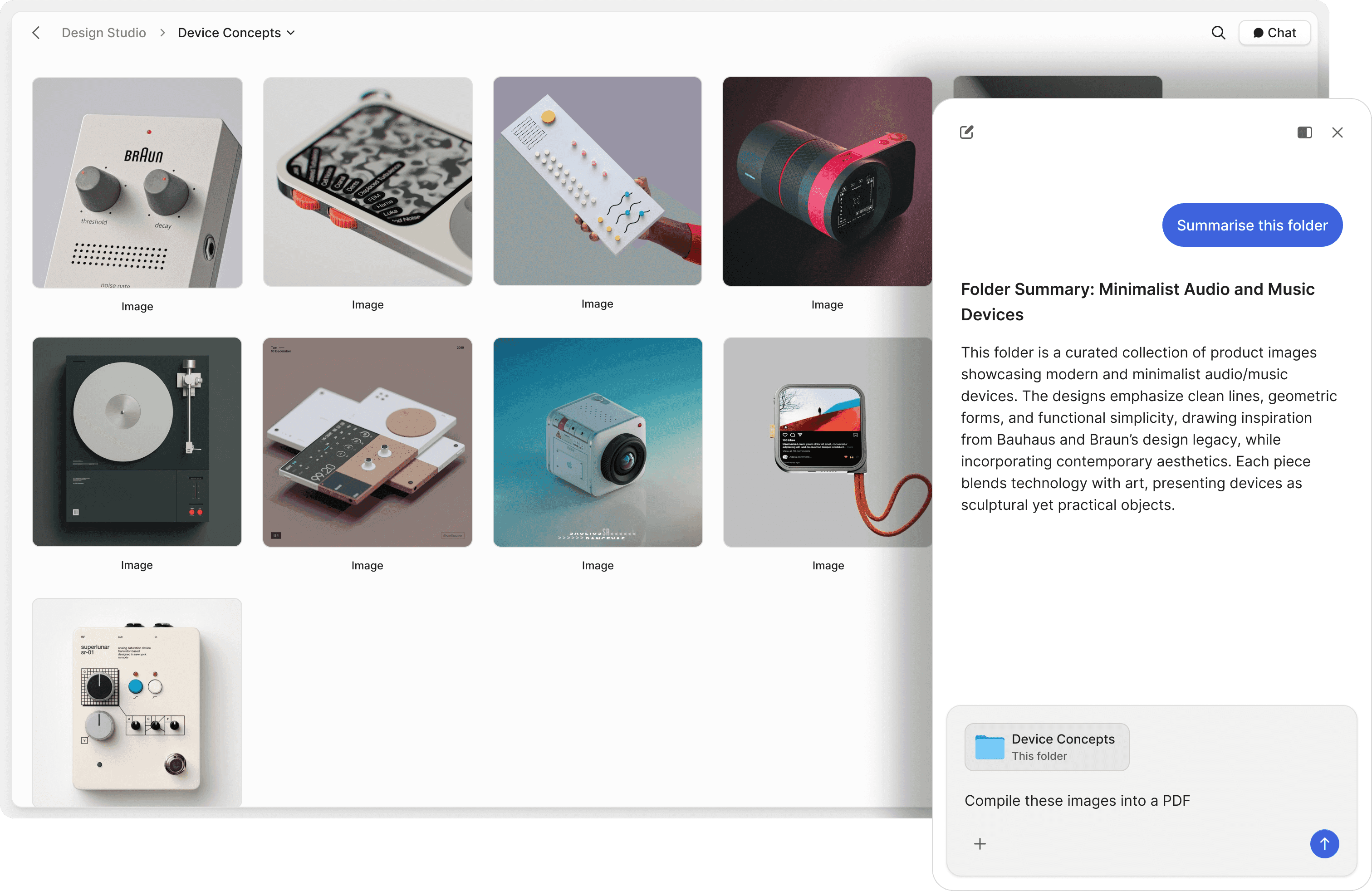
Chat with project files
Ask questions across schematic designs, construction documents, and specification sheets. AI retrieves answers with exact source references from your project library.
Natural language search
Find specific building code references, material specs, or shop drawing details in plain English. No need to remember file names or folder structures across project phases.
Client Q&A on autopilot
Let AI answer client questions about project timelines, material selections, and design rationale 24/7. Track what they ask to stay ahead of concerns.
"Peony is a great example of a customer-obsessed company with a fantastic sense of design and UX. We moved on from Docsend in the first week — what we are really excited about is what all Peony does next."
Anish Bharadwaj
Founder & CEO, KiwiQ
Ed Harris
Founder & CEO, Ligo Bio (YC S24)
"Peony has been great for sharing documents with investors, employees, and customers. It's easy to use, good value, and new features are constantly being added. Definitely recommend!"
Frequently asked questions
What documents do architecture firms store in a data room?
Architecture firms typically store schematic designs, construction documents, BIM models, renderings, RFP responses, material schedules, spec sheets, and AIA B101 agreements. Peony's auto-indexing automatically classifies uploaded documents, applies OCR to scanned drawings and field reports, and builds a full-text search index so you can locate any document across your entire portfolio in seconds.
How does a data room protect architectural design IP?
Peony blocks screenshots of renderings and design concepts, stamps every page with dynamic watermarks tied to the viewer's identity, and requires NDA signatures before competition juries or developers can access sensitive designs — all backed by AES-256 encryption at rest and TLS 1.3 in transit on SOC 2 Type II-ready infrastructure. Peony is GDPR, CCPA, and HIPAA compliant. Peony's Advanced Redaction (available on the Deal Team plan) also lets you permanently black out fee structures or proprietary details before sharing RFP responses with collaborators.
Can architects control access by discipline — structural, MEP, landscape — on a multi-consultant project?
Yes. Peony supports per-discipline access tracks so structural engineers only see structural documents, MEP consultants access mechanical specs, and landscape architects view site plans. Page-level analytics track which team members reviewed which documents across every project phase.
How do architecture firms handle version control for design documents?
Peony lets you update shared documents in place so all recipients always see the latest version without receiving new links. When schematic designs evolve through design development and construction document phases, Peony ensures every stakeholder accesses the current revision with full version history.
Can architecture clients review schematic designs and construction documents without downloading files?
Yes. Peony provides a secure browser-based viewer so clients can review renderings, construction documents, and material schedules without downloading anything. Branded client portals match your firm's identity for polished, professional delivery that generic Dropbox links cannot offer.
How much does a data room cost for an architecture firm sharing deliverables across multi-team projects?
Peony offers a free plan ($0), Business is $30 per admin per month with up to 3 data rooms, and Data Room is $52 per admin per month with unlimited data rooms and unlimited storage. The Business plan ($30/admin/month) includes AI document Q&A and screenshot protection, with dynamic watermarks on the Data Room plan ($52/admin/month) — a fraction of what Firmex or Digify charge. No per-viewer, per-page, or per-link limits on any plan.
How does AI help architects manage project documentation?
Peony's AI-powered document chat lets you ask natural language questions across your entire project library, including construction documents, spec sheets, and building code references. Instead of digging through hundreds of PDFs, you get instant sourced answers that reference exact pages and sections.
Can architecture firms set document access to expire automatically after a design phase or project milestone?
Yes. Peony supports link expiry dates so you can automatically revoke access when schematic design review ends, construction documents are finalized, or a project wraps up. No manual cleanup between phases. You can also instantly revoke access to any document or folder at any time.