
A Visitor Didn't Get the Sign-In Email
A visitor entered their email on your Peony link and sees Check your email, but the sign-in link never arrives. Check the allow list first, then spam and their company's mail filter, then resend.
Last updated October 23, 2026
What They See
What the visitor gets depends on the group's access mode.
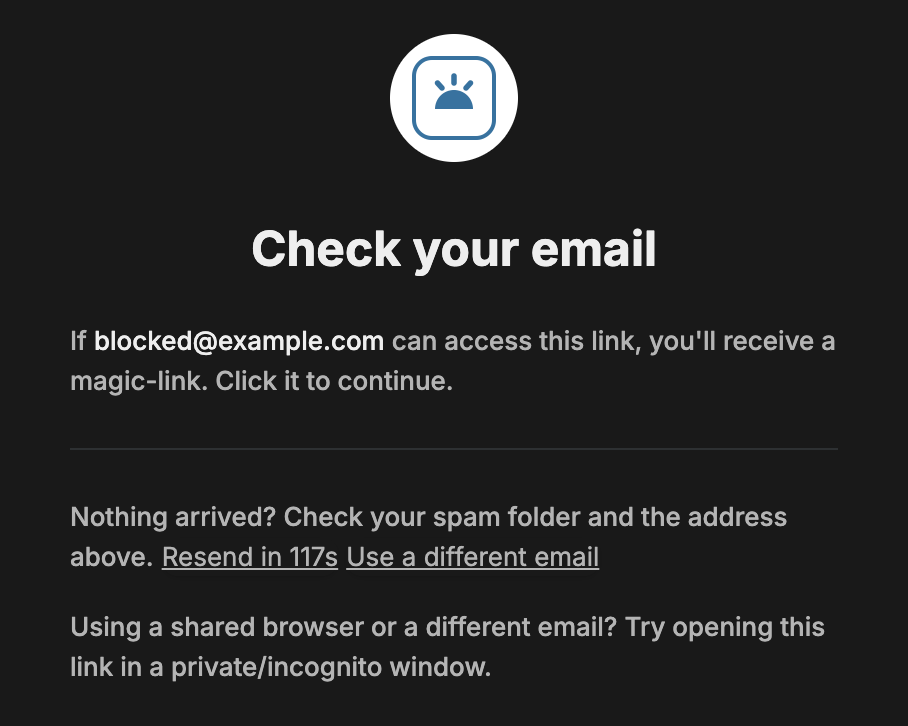
Link access with Verify email on. The visitor enters their email and lands on Check your email. Peony emails them a sign-in link, and clicking it opens the room.
Email access. People on the group's list who open the invite email go straight in. Anyone who opens the link itself is asked for their email and lands on Please verify your email, where they paste a code from the email.
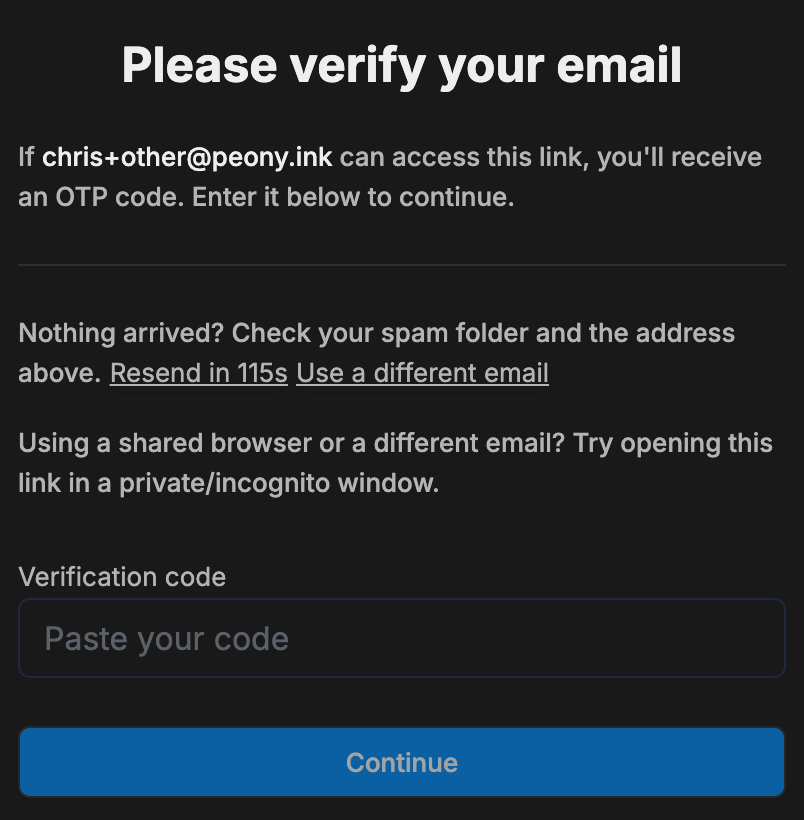
Either screen reads the same whether or not the address is allowed. That is deliberate, so nobody can test addresses against your link. Work through these in order.
1. Check the Allow List
If the visitor's email or company domain isn't allowed, Peony sends nothing. Open the room's Permissions tab, select the group, click Email-gated access, open Edit allow list, add the email or domain, click Add, then Save.
On an Email access group, add them under People with access instead. See Invite visitors by email.
2. Check Spam, Then Their IT
Ask the visitor to check spam and the address they typed, as the screen suggests. If it isn't there, their company's mail filter is the usual cause, and their IT needs to allow notification.peony.ink.
See Invites or reminders aren't being delivered for what to send their IT team.
3. Resend, or Use a Different Email
Resend unlocks after a countdown of about two minutes. Use a different email goes back to the email screen. On a shared computer, the screen suggests opening the link in a private or incognito window.
Common Questions
One external viewer can't get in, but it works for everyone else.
Usually their email isn't on the link's allow list, the email landed in spam, or their company's IT firewall is holding it. Most often it's the firewall. Ask them to check spam first, then loop in their IT team.
Do visitors need a Peony account to open a room?
No. Visitors never sign up. If the link asks for verification, they enter their email and use the sign-in link or code Peony emails them, then read the room in the browser.